Project case study
GenWealth 360
A financial services website needs to communicate offers and move qualified visitors into an intake workflow.
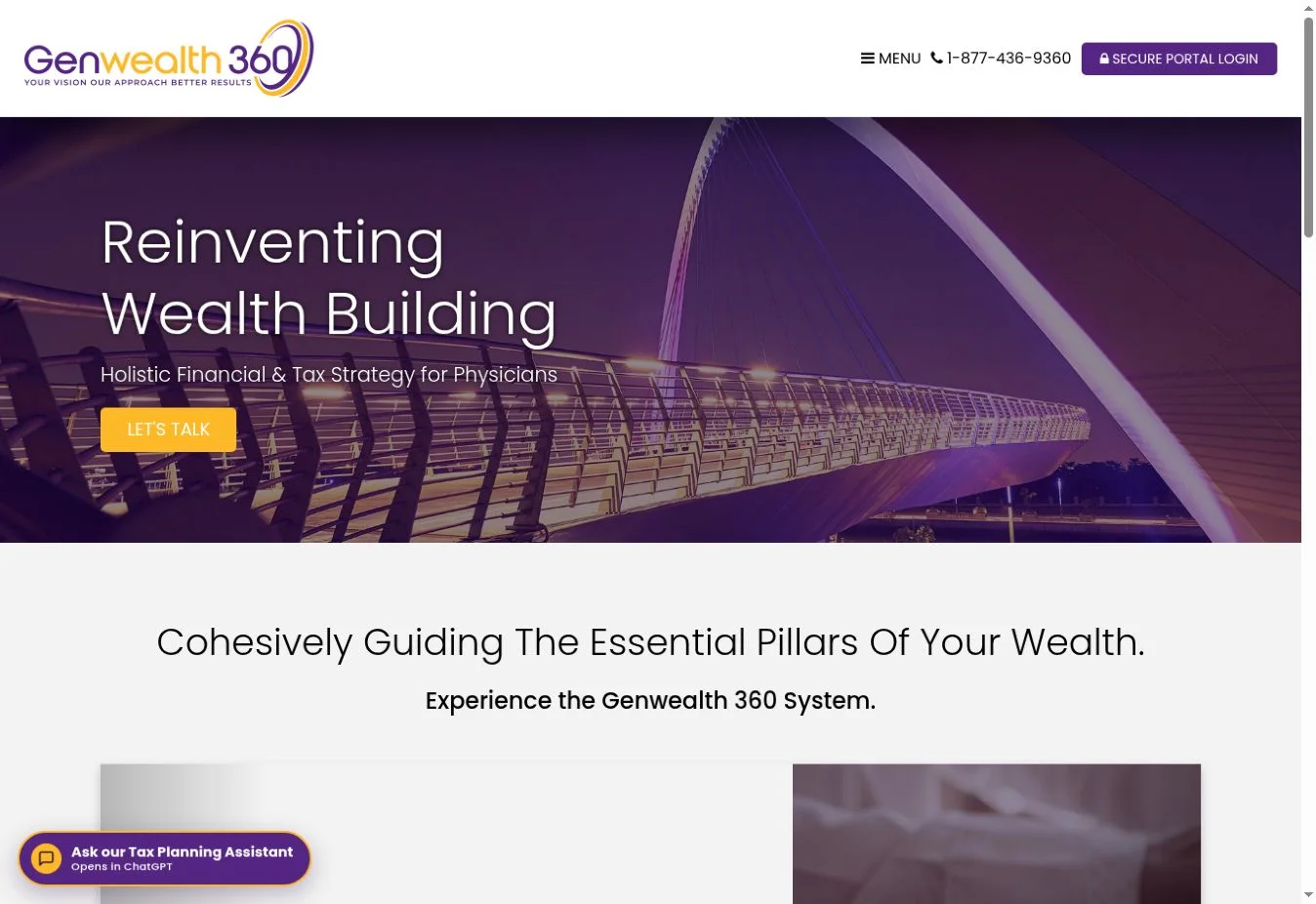
Financial services and educational search · Public firm website and physician resource center
Project challenge
Physicians and business owners have different reasons to look for financial expertise. A visitor may need to learn what a service covers before they are prepared to book a call. The public experience needed to explain core services, support focused research, and make the distinction between education and servicing an existing client clear.
Design and implementation
The public website organizes the firm’s service categories and directs visitors into consultation or resource paths. The physician resource center gives a specialist audience a defined entry point with guides, topical articles, and navigation by specialty and geography. The public Client Center links to the firm’s account service.
Create an audience-specific starting point
The physician resource hub groups material around the reader’s work and questions. Core guides provide a starting point, while specialty and location navigation supports a more specific search.
Connect education to a meaningful conversation
The public pages combine educational links with a consultation step. The design creates a path from an early research question to a conversation about the reader’s situation.
Respect account boundaries
Public service and education pages belong on the searchable website. The private CRM and existing account systems serve different workflows. This study documents only the public pages and publicly visible paths.
Public screenshots
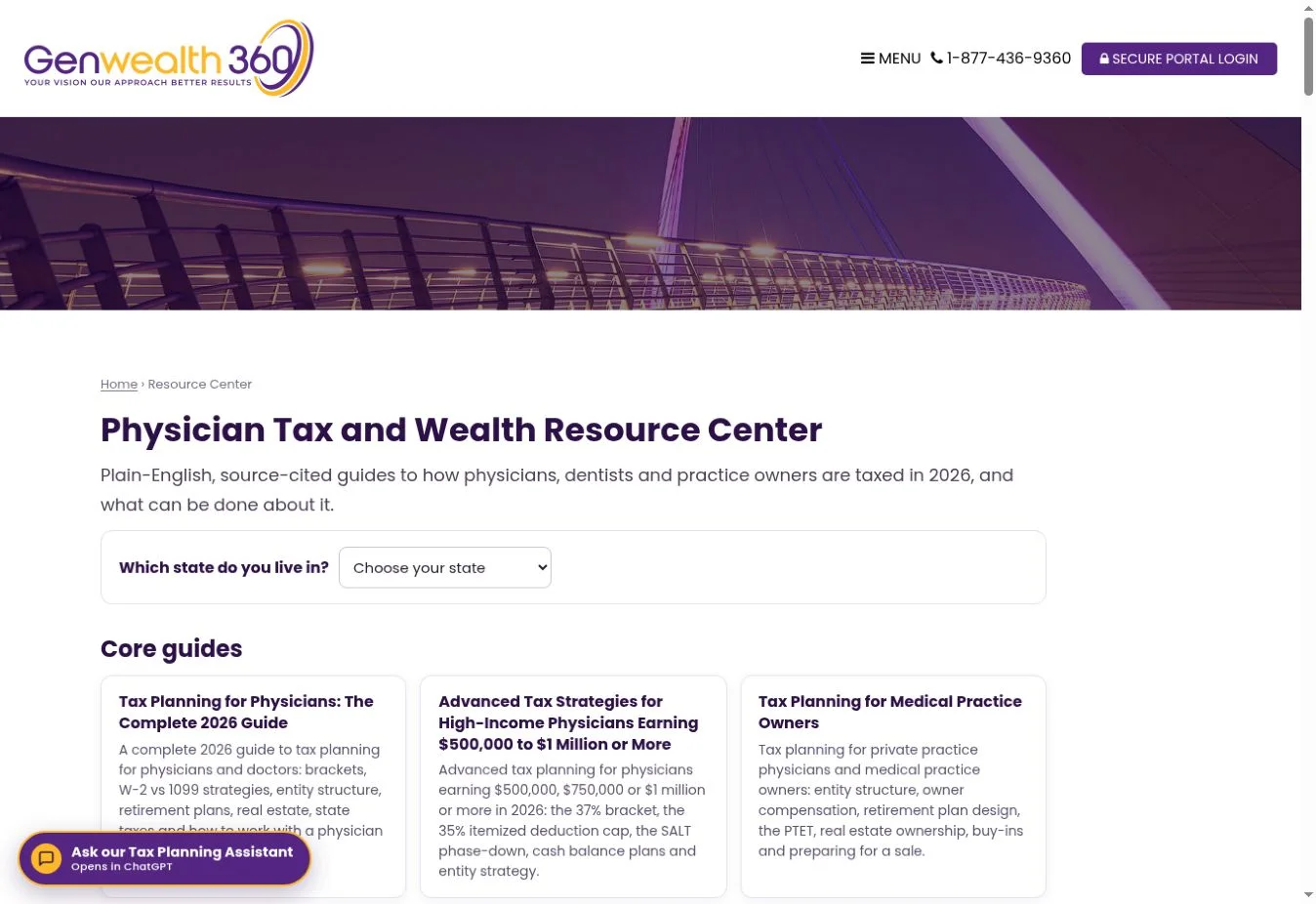
What the public evidence shows
The firm homepage and physician resource center were reviewed directly. CRM workflows, client information, and search performance exports were unavailable for public verification.
How to measure the project
Use permissioned reporting to compare physician-resource traffic, qualified consultation requests, and the specific pages that precede an inquiry. Pair any search claim with the measured query, date range, and source.
Explore the related consulting service · See all case studies